 Telechore
Usage
What's new
Releases
Telechore
Usage
What's new
Releases
Telechore
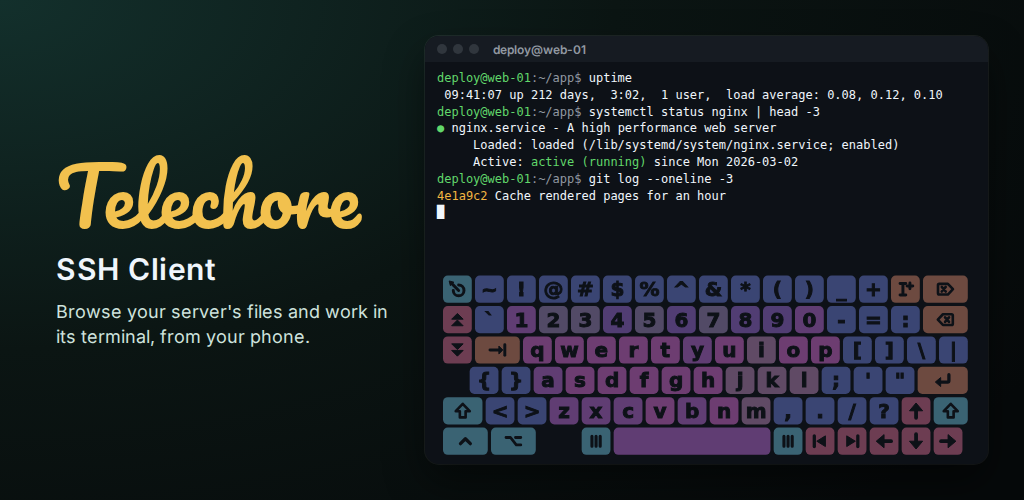
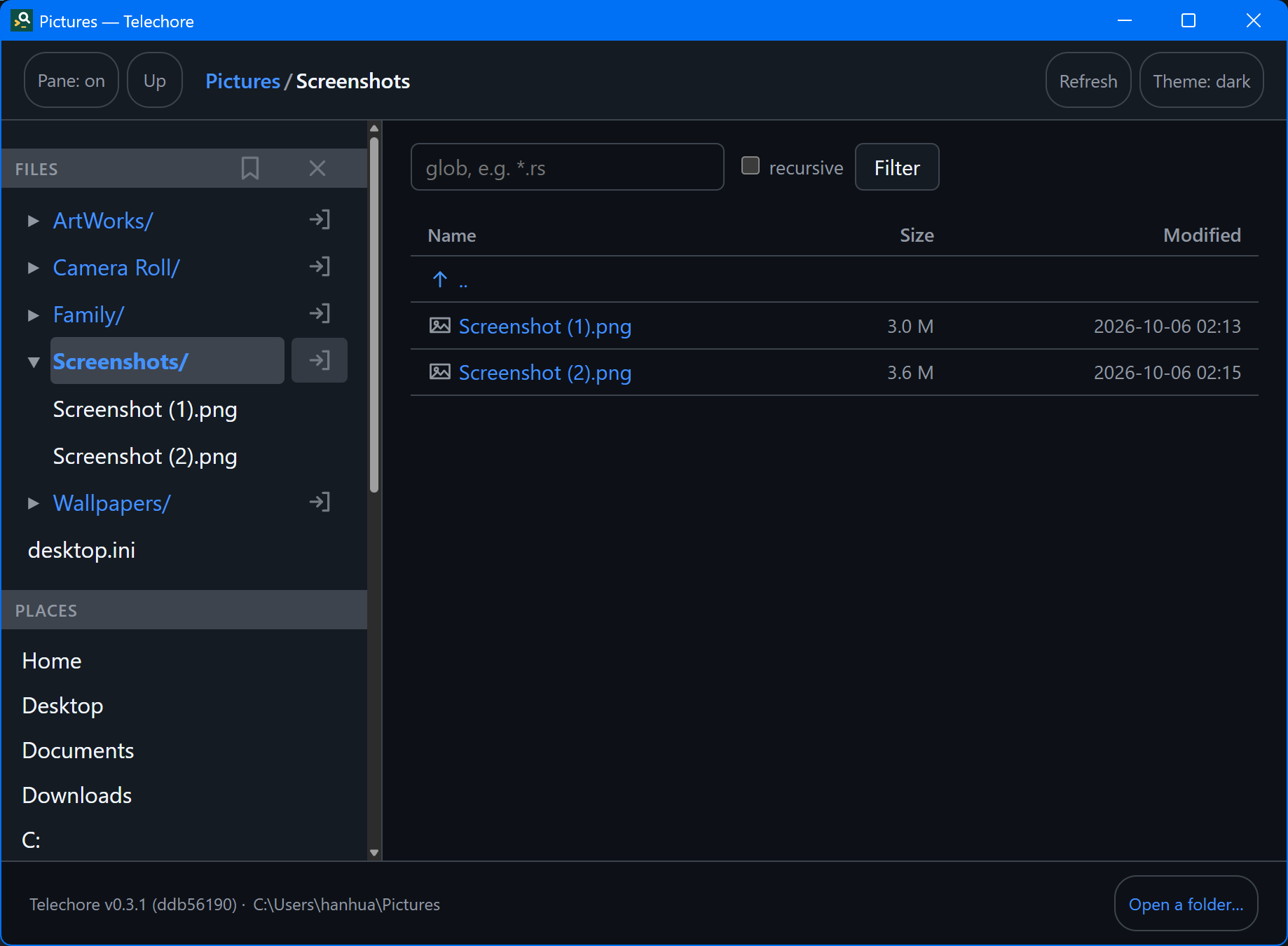
An SSH client for a phone or a desktop: browse a server's files as a tree, with the selected file beside it, and work in its terminal.
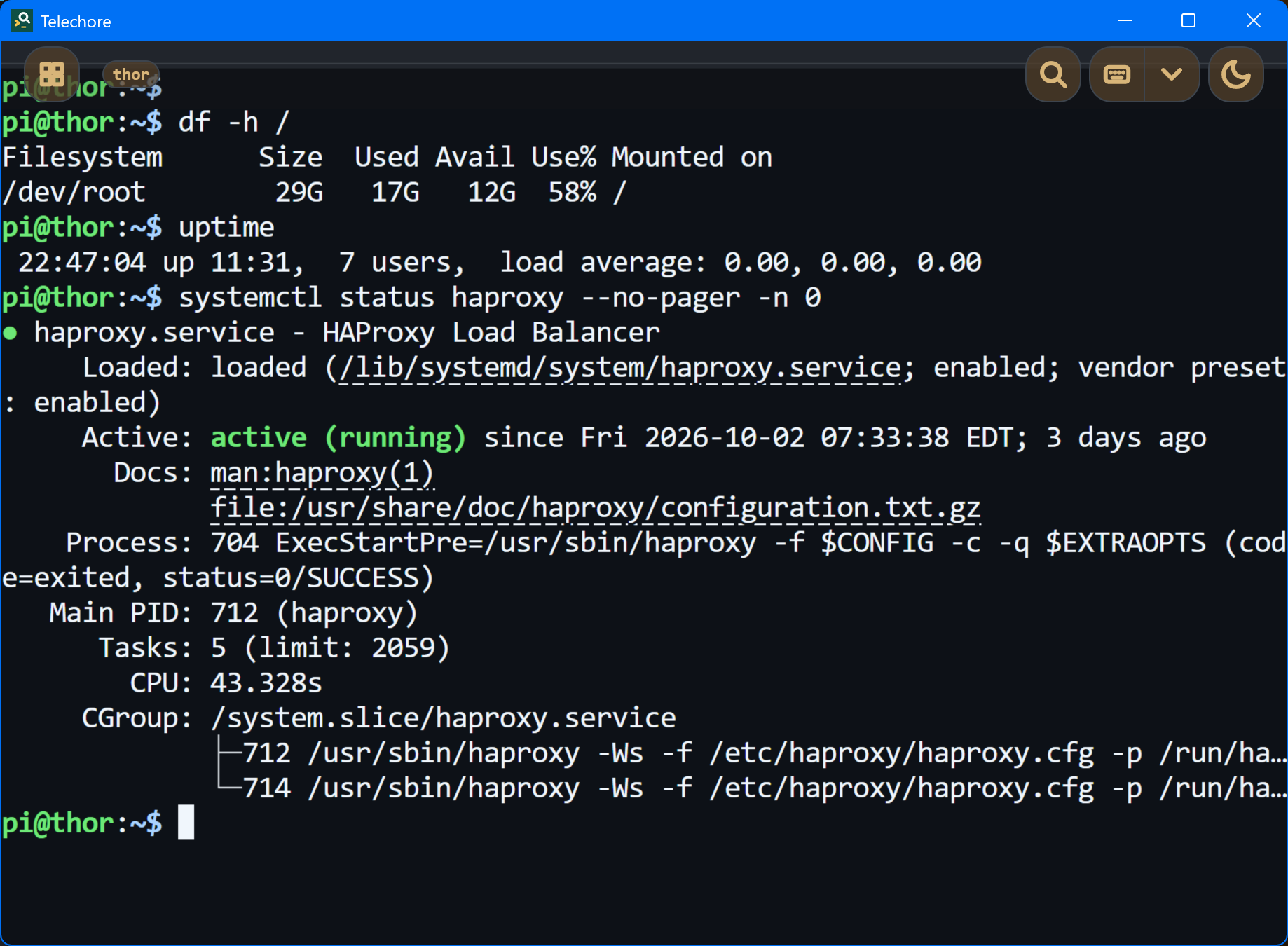
Telechore shows a folder as a tree, on this device or on a server over SSH, and renders what you select: source with highlighting, Markdown, images, PDF. Its terminal uses the same connection, so it needs no second login. Nothing needs to be installed on the server; a standard SSH server is enough.
Get Telechore
Download goes to the releases on GitHub, which carry
Telechore for Linux — a .deb, an .rpm, and the
plain binary — beside treesight. A copy from a store
is the free edition: two servers, and two terminals kept running, on Google Play,
where Pro lifts both for one payment with no subscription; four of each on the
Microsoft Store, which does not sell Pro yet.
What's new in each version.
What it does
- Files on a server, as a tree. Open, render and download them; make folders and upload. What you opened stays readable offline.
- A terminal that keeps its size while the keyboard comes and goes, so full-screen programs keep their layout. Two fingers pan and zoom.
- The keys a phone lacks — Esc, Tab, Ctrl, Alt, the arrows — over the terminal or above the system keyboard, or a full keyboard of its own with the phone on its side.
- Keep a terminal running when you leave it, and come back to it as you left it.
- Servers move between devices by a QR code, encrypted with a password if you set one. Host keys are checked as in any SSH client.
- No account, no analytics, no ads. The only traffic is to the machine you connect to, and, for a copy from a store, to the store you installed it from.
Screenshots
Using Telechore
The same pages the app carries under Usage, for the latest release.
- Servers — saving one, how a login is chosen, keys, and host keys.
- The terminal — a shell on the machine you are browsing, and keeping it running when you leave it.
- Files offline — what is kept of a server on this device, Keep offline, and the Cache place.
- Granting folders — how opening a folder works on Android, where there are no paths to browse.
- Opening folders — the start page, Places, Pinned and Recent.
- Tree and sidebar — the two halves of the window.
- Reading files — what gets rendered.
- Preferences — theme, line numbers, the sidebar, printing.
- Keyboard — every shortcut there is.
Just the file browser
Telechore is built on treesight, an open-source tree browser for the folders on your own machine, without servers or the terminal. Its releases carry treesight on its own, and Telechore's Linux build.